Power Designer availability
Free
Included with core features
Tips+
Included with premium features unlocked
Enterprise analytics strategy, Power BI consulting, and modern data architecture built for real business outcomes.
Trusted ecosystem


Professional, Customized Power BI Reports + Microsoft Fabric Value
Power Designer is available for free and helps teams build professional Power BI reports and embedded analytics experiences faster. The free experience gives you a strong baseline, and Tips+ unlocks premium capabilities for advanced design workflows, larger-scale asset libraries, and governed team collaboration.


 Power Designer runs on free + unlocks premium capabilities with Tips+. See package details.
Off-the-Shelf Power BI Embedded Solution

Entelexos is an off-the-shelf Power BI Embedded solution that makes it easy to manage users and reports at scale. Deploy a production-ready embedded analytics platform in hours instead of months, with built-in user management, report administration, and enterprise controls. No complex development required—Entelexos provides everything you need to securely share Power BI content with internal teams or external customers through an intuitive management interface.


The premium membership for Carlo Solutions products, starting with Power Designer
Manage Your Tips+ Subscription!| Feature | Free | Tips+ |
|---|---|---|
| Power Designer availability | Included with core features | Included with premium features unlocked |
| Scrims you can create | Up to 2 scrims | Expanded workflows for more than 2 scrims |
| Icon library | Up to 50 basic icons | Premium themed + custom icon libraries |
| Community scrims | Browse + download community scrims | Easy use + full editing workflows |
| Wireframe report building | Limited wireframing | Advanced wireframing and full report build workflows |
| Theme management | Basic theme controls | Theme upload/edit + real-time preview |
| Cloud projects | Limited save workflows | Cloud storage and reusable team projects |
| Team and governance controls | Individual use | Team sharing and enterprise controls |
| Carlo Solutions product membership | Core features in current products | Premium access for current + future products |
Tips+ Features Compared:
Free
Included with core features
Tips+
Included with premium features unlocked
Free
Up to 2 scrims
Tips+
Expanded workflows for more than 2 scrims
Free
Up to 50 basic icons
Tips+
Premium themed + custom icon libraries
Free
Browse + download community scrims
Tips+
Easy use + full editing workflows
Free
Limited wireframing
Tips+
Advanced wireframing and full report build workflows
Free
Basic theme controls
Tips+
Theme upload/edit + real-time preview
Free
Limited save workflows
Tips+
Cloud storage and reusable team projects
Free
Individual use
Tips+
Team sharing and enterprise controls
Free
Core features in current products
Tips+
Premium access for current + future products
Feature availability can change over time. See the account portal for current Tips+ package details.
The official PowerBI.tips theme builder helps teams generate governed palettes, typography, and report styling JSON for Power BI.
Open Tool
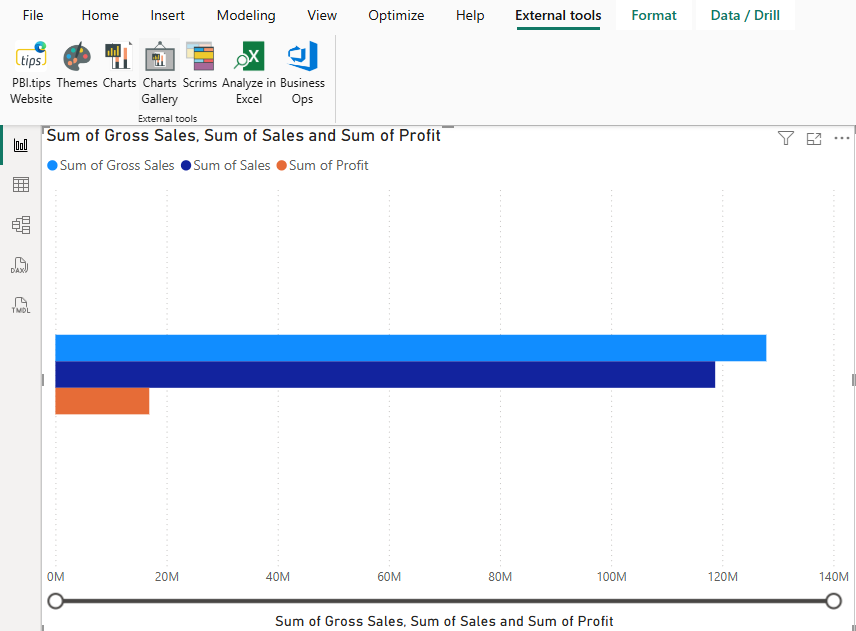
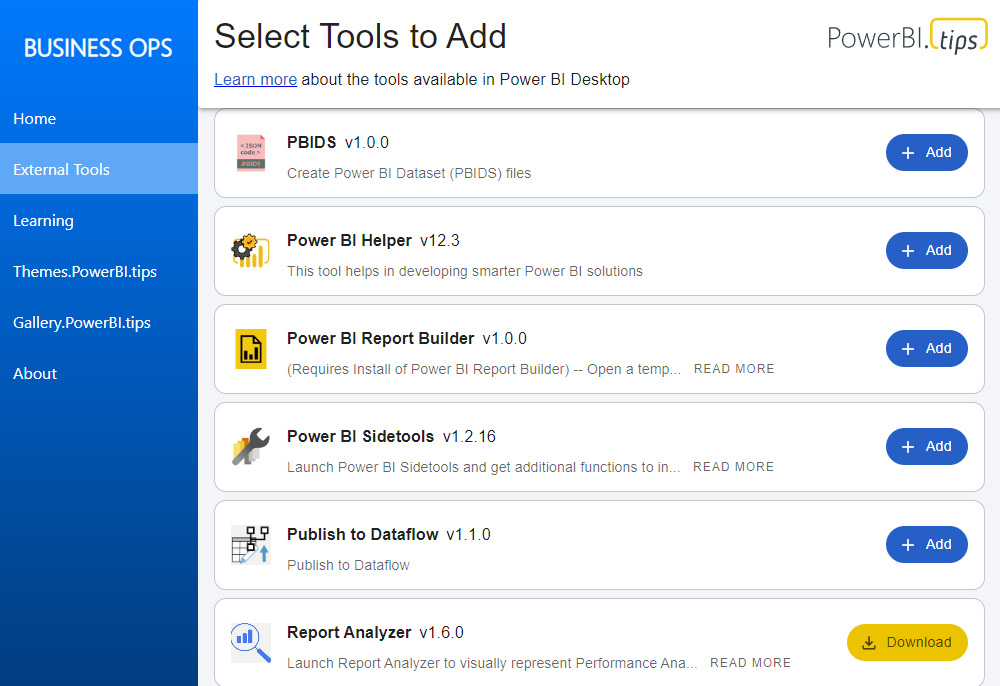
The Business Ops tool is designed to simplify your development experience with Power BI Desktop. Business Ops is intended to streamline and increase your efficiency when working in Power BI.
Open Repository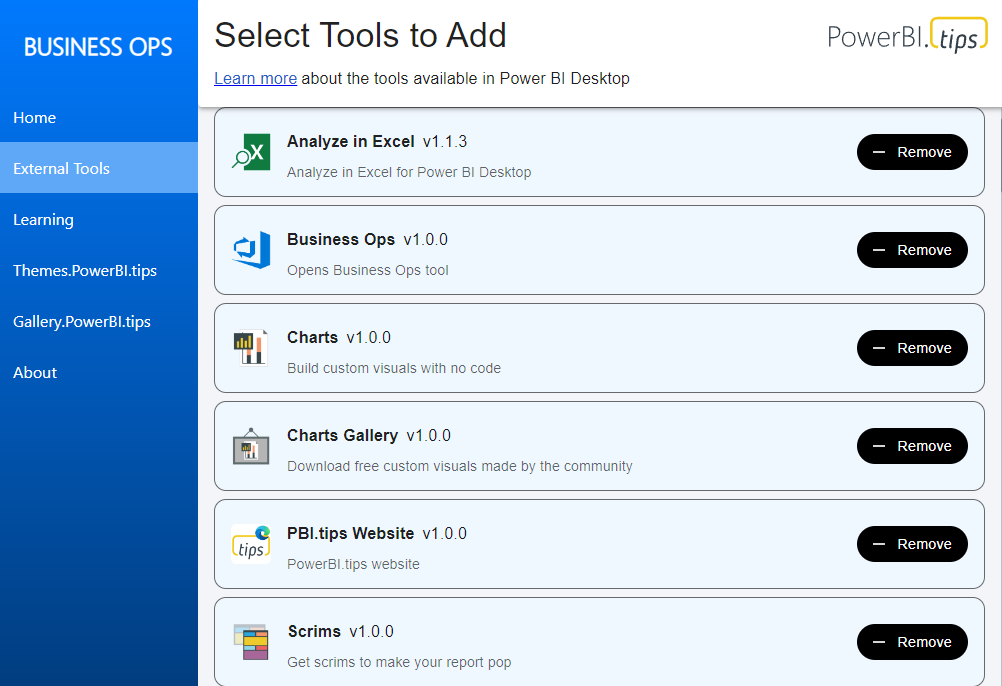
Company insights and announcements on what we are building, delivering, and improving right now.
Business Ops, the Power BI Desktop external-tools manager, has moved from PowerBI.tips Products to GitHub for better distribution, simpler updates, an…
Read Article →
How do I download a Power BI layout as a PBIR file from the gallery?
Read Article →
Mike has been building apps on Fabric as a backend since January, and he's coining it FAB. The case isn't that you already own Fabric — it's that the…
Read Article →We baseline architecture, governance gaps, and reporting friction against business priorities.
We design scalable target-state architecture with clear standards for reliability and ownership.
We deploy reusable frameworks and implementation patterns that compress delivery timelines.
We transfer capability through role-based coaching, governance routines, and operating playbooks.
Each practice has its own page, with the scope, the engagement shape, and the questions buyers ask before a call.
Who it's for: Leaders who need enterprise reporting standards, stronger adoption, and measurable business outcomes.
What it is: A structured Center of Excellence foundation with governance, operating rhythm, and enablement templates.
Who it's for: Organizations scaling self-service analytics across business units.
Business outcome: Faster adoption with clearer ownership, guardrails, and measurable governance maturity.
Talk to Us About This